Minecraft server chat,
on your phone
Read and reply to your server's chat and run commands without launching the game.

Free with ads · An unofficial app for Minecraft: Java Edition servers
Features
When you don't need the whole game
Check your server, reply to chat or stay connected for a while, all from your phone.
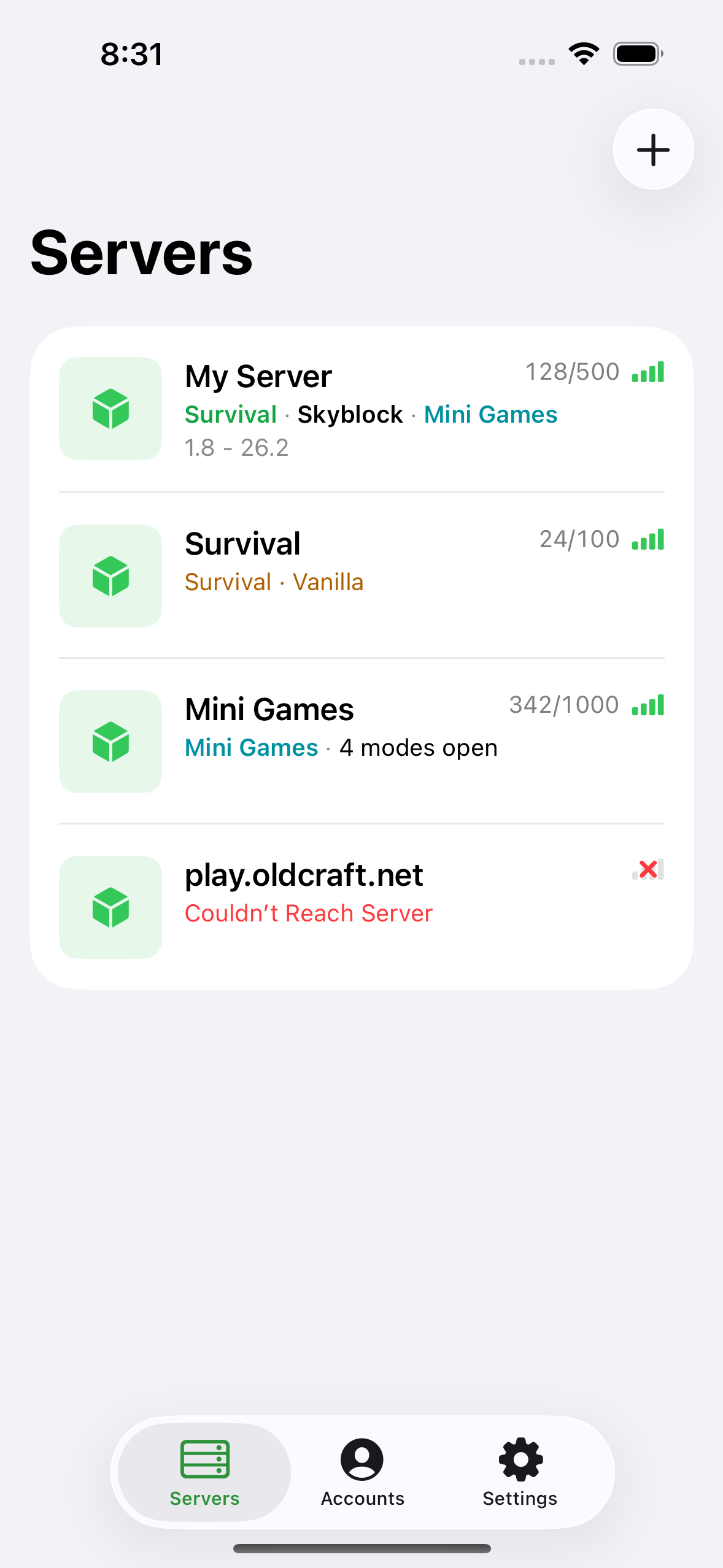
Servers
Check the server before you connect
See which saved servers are online, how many players are on them and how quickly they respond.
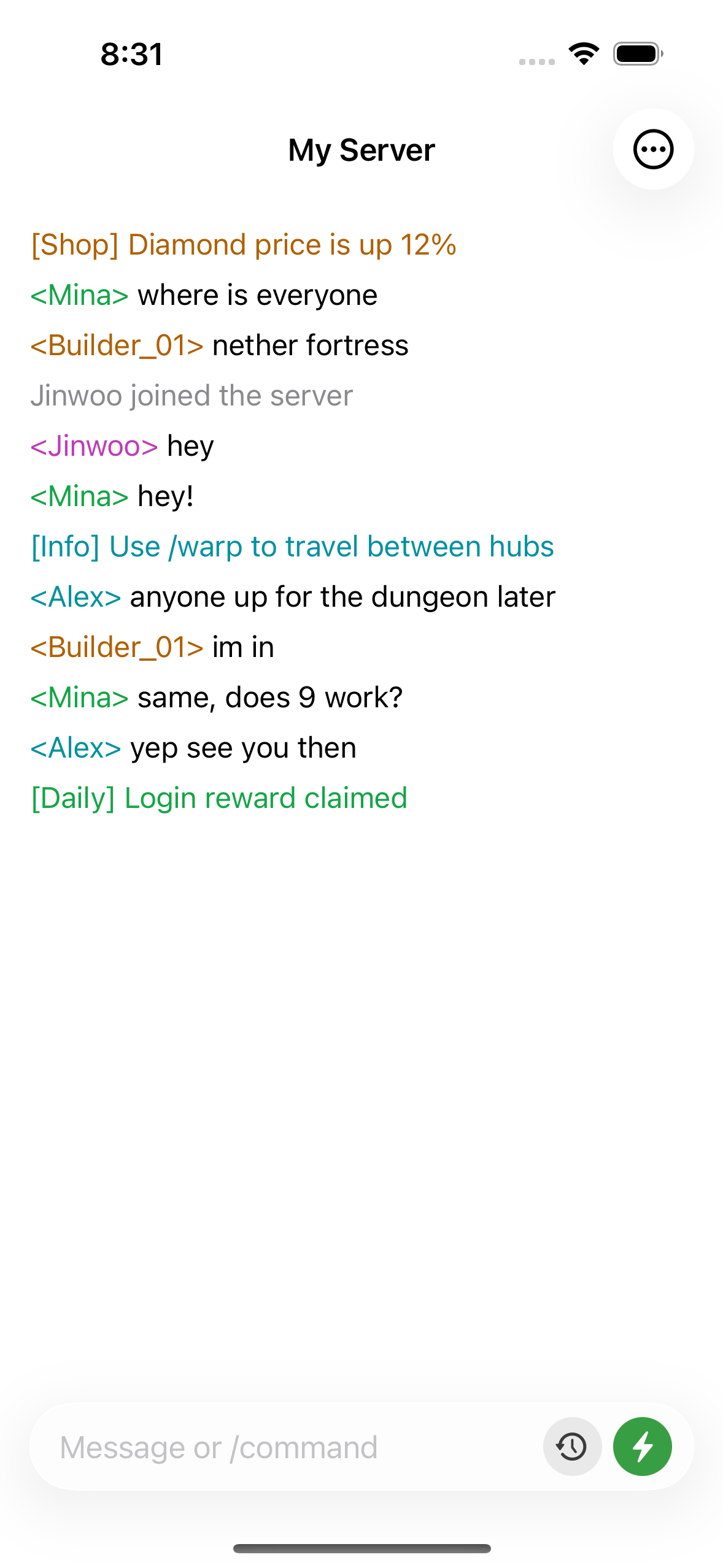
Chat
Keep up when you're away from your PC
Read and reply to live server chat from wherever you are. Send the same messages, whispers and commands you would type in game.
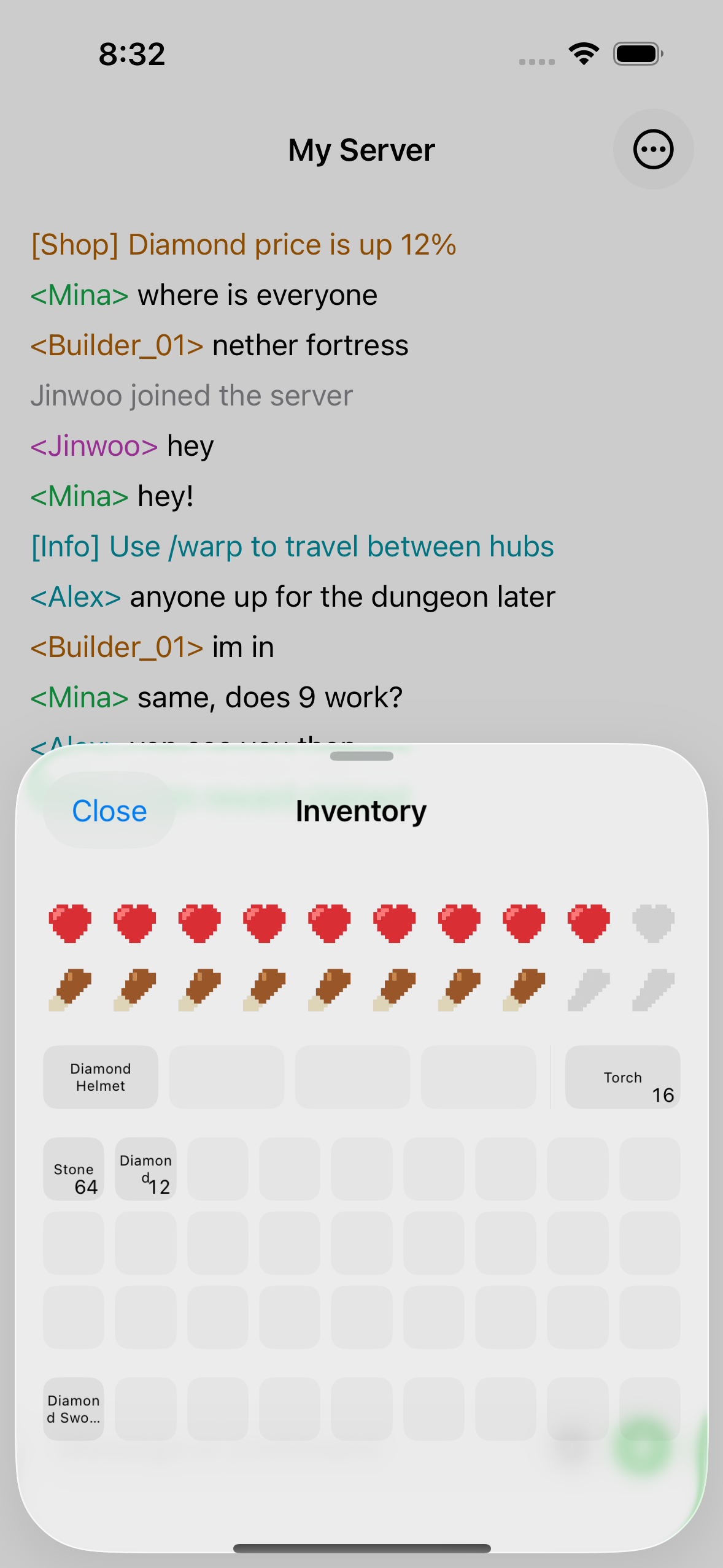
Inventory
Check an item without launching the game
See your health, hunger, armour, off-hand and every inventory slot. Move, drop or use an item right from your phone.
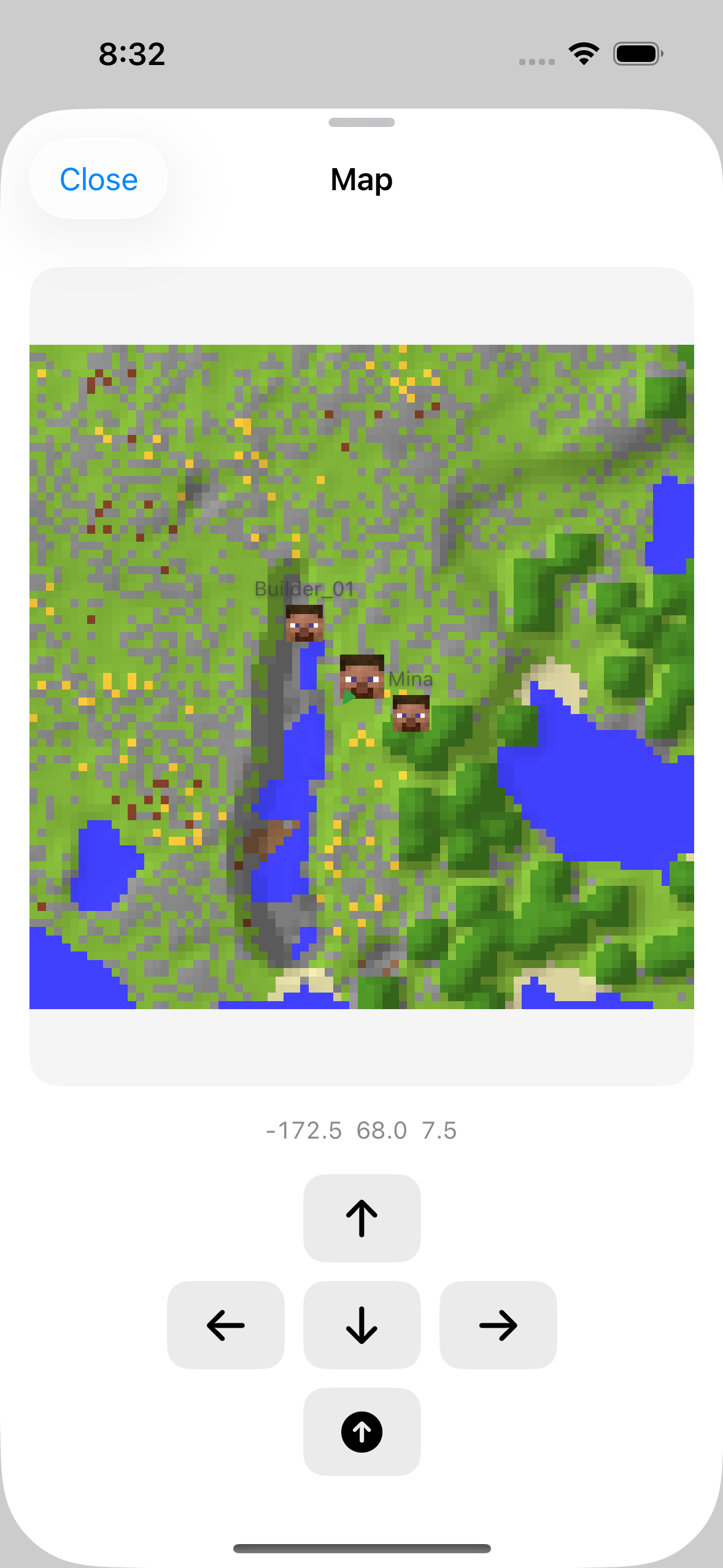
Map
See where you are and who's nearby
See the terrain and nearby players around your current position. Check your exact coordinates, then walk or jump when you only need to move a short distance.
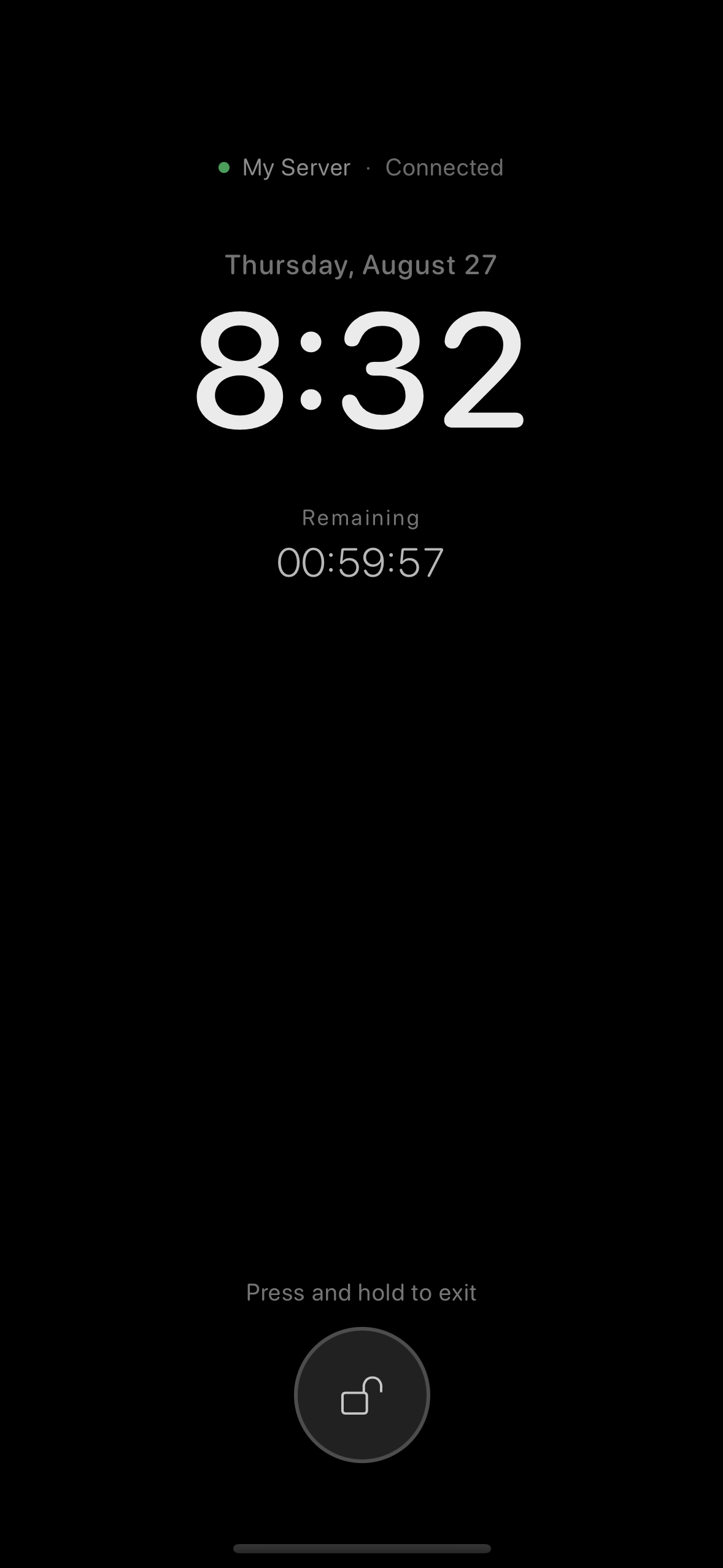
Keep Screen On
Stay AFK without leaving your PC on
Waiting for a daily or AFK reward? Keep the server connection on your phone for a set time while the display dims to save power.
More features
Also in ChatMC
Spend less time repeating the same setup, commands and connection steps.
From old servers to the latest release
Connect to Java Edition servers from 1.5.2 through 26.2, with automatic version detection.
Switch between multiple accounts
Save multiple Microsoft accounts and offline profiles, then choose the one you need before connecting.
Keep your usual commands ready
Save /home, a whisper prefix or something you say often, then send it or load it into the input box.
Run your routine when you connect
Save login commands, pauses and movement commands in order, and ChatMC enters them after connecting.
Reconnect after a drop
If the connection drops after you join, reconnect with the same account without losing the chat or your unfinished message.
Complete commands and player names
Type a few characters to see matching server commands, online player names and saved quick inputs.
Languages
Translated into 15 languages
ChatMC uses your device language on first launch, and you can change it at any time in Settings.